
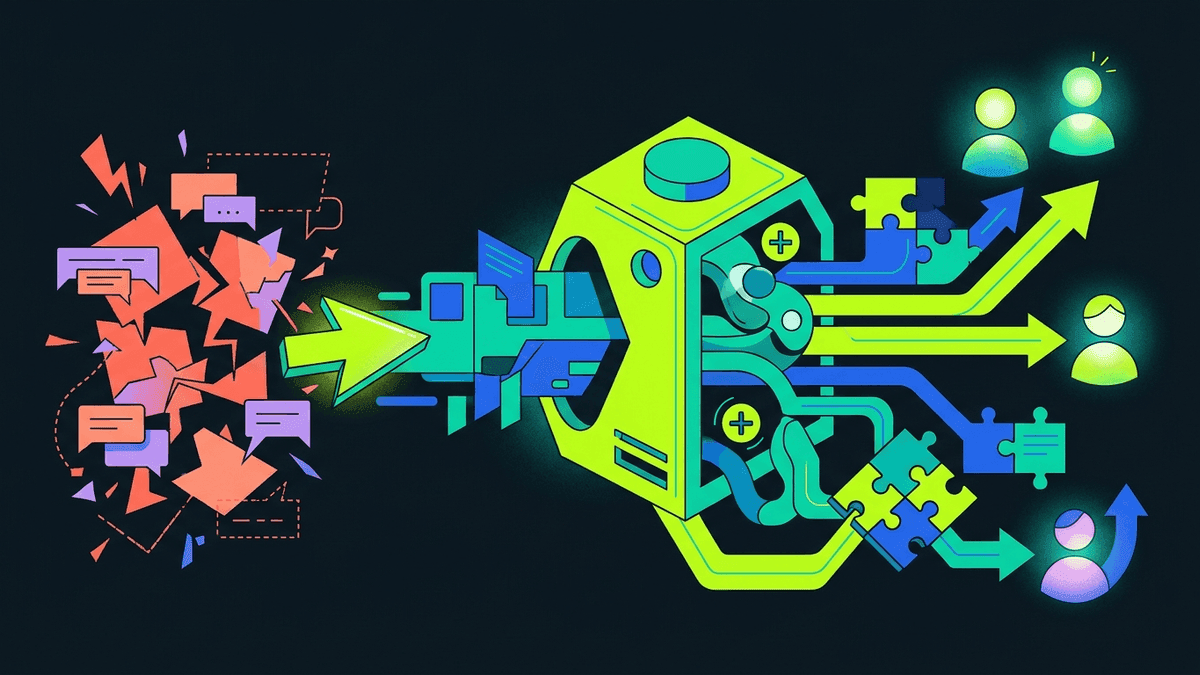
Customer support software is any tool that helps a team answer, resolve, or route customer requests, from a shared inbox to an AI agent that completes actions. The real question isn't what counts as support software, it's how much of a ticket it closes without a human: a reply, a walkthrough, a backend fix, or a clean handoff.
Most vendors sell you on the first half of that sentence and go quiet on the second. A tool that replies well but can't do anything beyond replying is a search bar with better manners. If you're evaluating customer support software right now, the thing worth testing isn't how natural the chat feels, it's how many of your real tickets it can actually finish.
What is customer support software?
Customer support software is any tool a team uses to receive, organize, answer and resolve customer requests. It covers help desks, live chat widgets, knowledge bases and AI agents. They do different jobs: a help desk organizes work for people, while an AI agent should remove work.
The category is wider than people think, and that's part of the confusion. Under one label you'll find:
- Help desks (Zendesk, Intercom's inbox, Front) that organize tickets, assign them, and track SLAs
- Live chat widgets that open a conversation on your site or in your app
- Knowledge bases and help centers that host articles customers can self-serve from
- AI agents layered on top of any of the above, meant to resolve requests before or instead of a person
These aren't competing for the same job. A help desk organizes work for humans. An AI agent is supposed to remove work from humans. Confusing the two is how teams end up buying a help desk to solve a resolution problem, or buying an AI chatbot to solve a ticket-routing problem. We wrote a longer breakdown of this split in our guide to AI customer support if you want the full picture, but the short version: keep your help desk for ticket history and team workflows, and treat the AI piece as a separate layer you can swap out. That's the model behind AI helpdesk software done right, and it's why Peeve plugs into your existing help desk instead of asking you to rip it out.
How do you measure if your software actually resolves anything?
Here's a test you can run this afternoon with your own data, no industry benchmark required. Pull the last 50 tickets your current tool touched, whether that's a chatbot, a help desk macro, or a human agent. For each one, write down what actually happened:
- Did the customer get a correct answer and stop there? That's a resolve.
- Did they get an answer, then still open a new ticket or reply "this didn't work"? That's a false resolve, and it's the number that matters most, because it's the gap between what your reporting says and what your customers experienced.
- Did a human have to step in to finish the job? Note what step they did that the software didn't: reset a password, issue a refund, change a plan.
Once you have that breakdown, you'll usually find the software is strong on one end of the spectrum (answering FAQ-shaped questions) and weak on the other (anything that requires touching the account). That gap is exactly what the four-rung model below is built to close, and it's worth re-running this audit every quarter, because the mix of tickets that fall into each bucket shifts as your product changes.
How do you test any AI layer on real tickets?
When we built Peeve, we didn't want to ship another chatbot that's good at sounding helpful and vague about whether it actually did anything. So every request gets resolved on one of four rungs, and we think this is a useful lens for judging any AI customer support agent, not just ours:
- Answer: the agent replies and shows its source, so the customer (and you) can verify it isn't guessing.
- Show: the agent walks the user through the live interface on their own screen, for anything that's easier demonstrated than described.
- Do: the agent takes a backend action, like updating a billing detail or cancelling a subscription, after the user confirms the exact effect. This rung is available on the Growth plan and up, not on Starter.
- Hand off: the agent passes the conversation to a person, along with the full session, not a cold summary.
We deliberately don't call that last rung "escalate," because escalation implies something went wrong. Sometimes a human is simply the right tool for the job, the same way Do is the right tool when a password reset needs to actually touch the account instead of just being described.
If you're shopping for customer support software right now, ask any vendor to show you where their tool sits on this ladder for a handful of your real tickets. If every answer is a reply with no path to Do or a clean Hand off, you've found a chatbot, not a resolution engine. We go deeper on this distinction in the four jobs a real AI support agent has to do.
Where does memory fit into all this?
A tool that resolves tickets but forgets the customer between conversations is only half-built. Peeve's private Customer Brain, live on every plan, remembers each customer across email and the in-app widget for signed-in users (social replies are coming soon), so the agent doesn't start from zero. Read how it's kept separate from product knowledge on the Brain page.
If someone emails about a billing issue on Monday and opens the in-app widget on Wednesday with a related question, the software should already know what happened Monday.
This matters more than it sounds. A customer who has to re-explain their problem across channels isn't being helped, they're being interrogated. Memory is the difference between software that handles a request and software that handles a relationship.
What is the best customer support software?
The best customer support software is the stack that resolves the most of your real tickets: a help desk your team already knows for ticket history, plus an AI layer that can answer, show users the steps, take confirmed actions and hand off cleanly. Compare tools on your own tickets using our AI customer support software comparison.
Help desk prices are public for most vendors; for example, Zendesk lists its plans per agent per month on its pricing page (checked Nov 9, 2026).
Is more software the fix, or better software?
Teams often respond to a resolution problem by adding another tool: a second chatbot vendor, a new knowledge base plugin, a workflow automation layer bolted onto the help desk. This usually makes the stack harder to maintain without closing the gap, because the new tool inherits the same weakness as the old one if it still can't take action.
The better move is usually consolidation on the AI layer specifically, while keeping the systems of record you already trust. Keep your help desk for ticket history. Keep your CRM for account data. Keep your payment processor for billing truth. Connect an AI agent to all of them through connectors (also Growth and up) so it can pull context and, where appropriate, act on it, rather than replacing the whole stack. Check pricing before you commit: every Peeve plan draws from one shared credit pool rather than per-seat or per-tool fees stacking on top of each other.
FAQ
What's the difference between a help desk and customer support software with AI built in?
A help desk organizes tickets for human agents: status, assignment and SLAs. Customer support software with an AI layer, like an AI customer support agent, aims to resolve requests directly. The two aren't interchangeable, and the best setups keep both, with the AI layer in front of the help desk.
How do I know if my current software is resolving tickets or just replying to them?
Pull a sample of recent tickets and check whether the customer had to come back with a follow-up or a human had to finish the job. If a meaningful share require a second touch, your tool is answering, not resolving, and that gap is the number to fix first.
Can AI customer support software take real account actions?
Some can, but it depends on the product. Peeve calls this the Do rung: backend account actions such as changing a plan, taken only after the user confirms the exact effect. Do is available on the Growth plan and up, not on Starter. Ask any vendor to show it live.
Does customer support software need to remember customers across channels?
Yes, if you want conversations to feel continuous rather than repetitive. Without shared memory, a returning customer has to restate their problem, which adds friction exactly when they're already frustrated. Peeve's Customer Brain remembers each customer across email and the in-app widget on every plan.
Should I replace my help desk with an AI support tool?
Usually not. Most teams get better results keeping the help desk for ticket history and workflows, and adding a dedicated AI layer for resolution. That is how Peeve positions itself against Fin and Zendesk AI: replace the AI, keep the help desk you already run.
What should I test before buying customer support software?
Run your hardest real tickets through a trial, not generic demo questions, and check what happens at each step: does it answer with a source, walk through the interface, take an action, or hand off cleanly. A structured way to do this is laid out in how to test an AI support agent before it goes live.